THE ORB.
The number you should be watching, on your desk.
A round always-on display that sits beside your keyboard and shows one thing at a time: what your plan has burned this week, what it’s burned today, a focus timer that visibly drains, the next thing on your calendar, what’s due. Drag sideways to change faces. It survives a power cut.
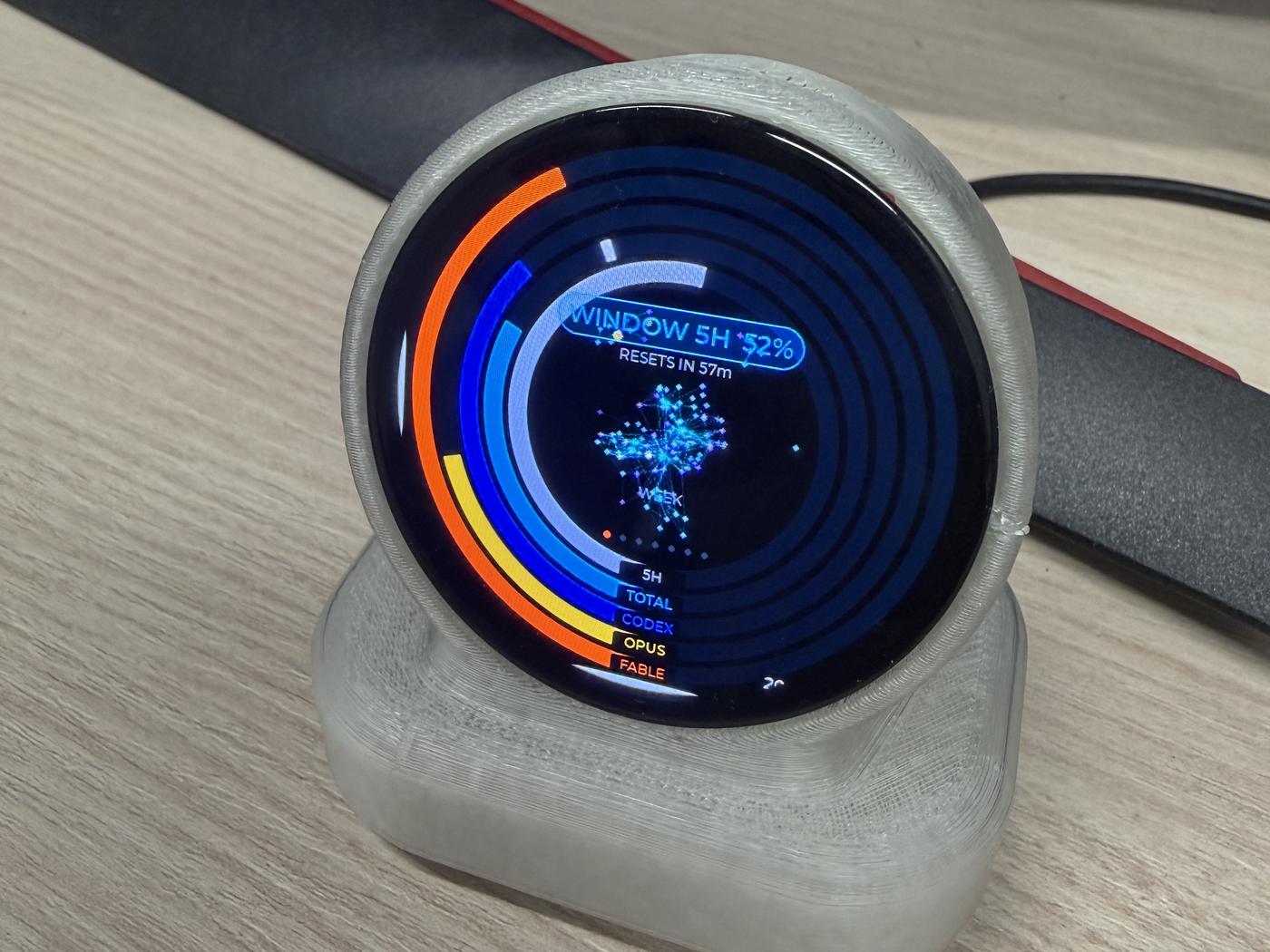
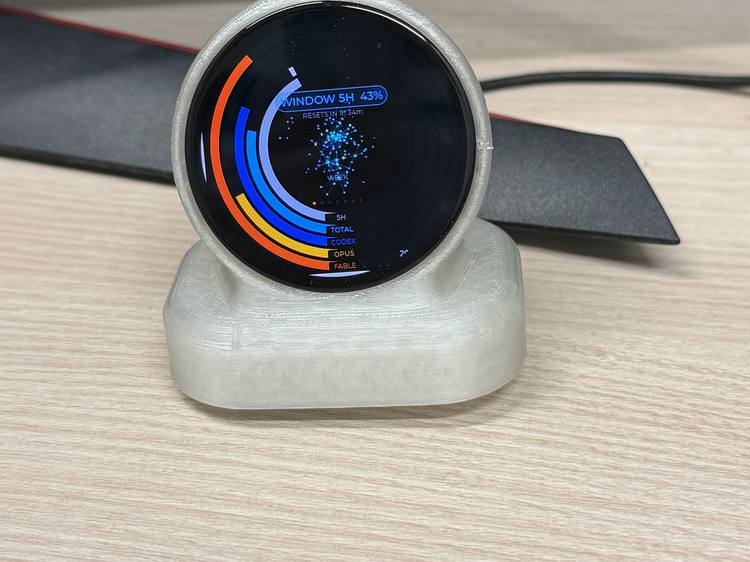
The first unit on the bench, printed in natural PETG. The batch housings will be graphite, as in the renders below.
Six faces. One thing at a time.
| Face | What it shows |
|---|---|
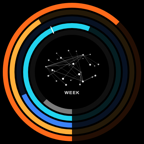 WEEK WEEK |
Five usage rings for the week: two model budgets, the all-models total, the 5-hour session, and a pace tick showing how far through the week you are. Matches the numbers in your Claude app. |
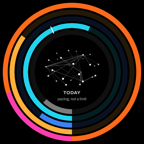 TODAY TODAY |
The same five rings for today. Day figures are pacing, not a limit, so any overage draws in magenta rather than red. |
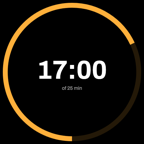 TIMER TIMER |
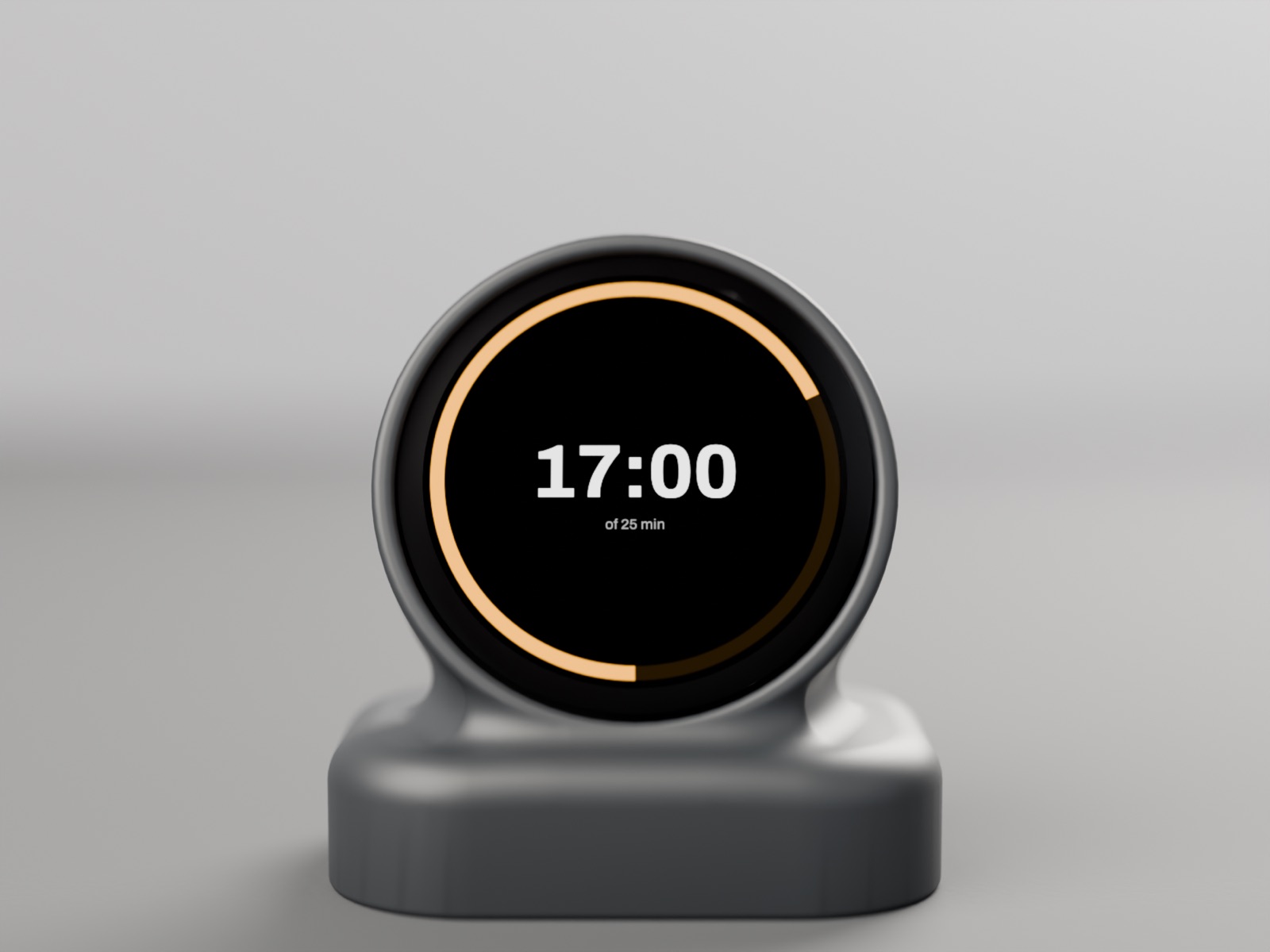
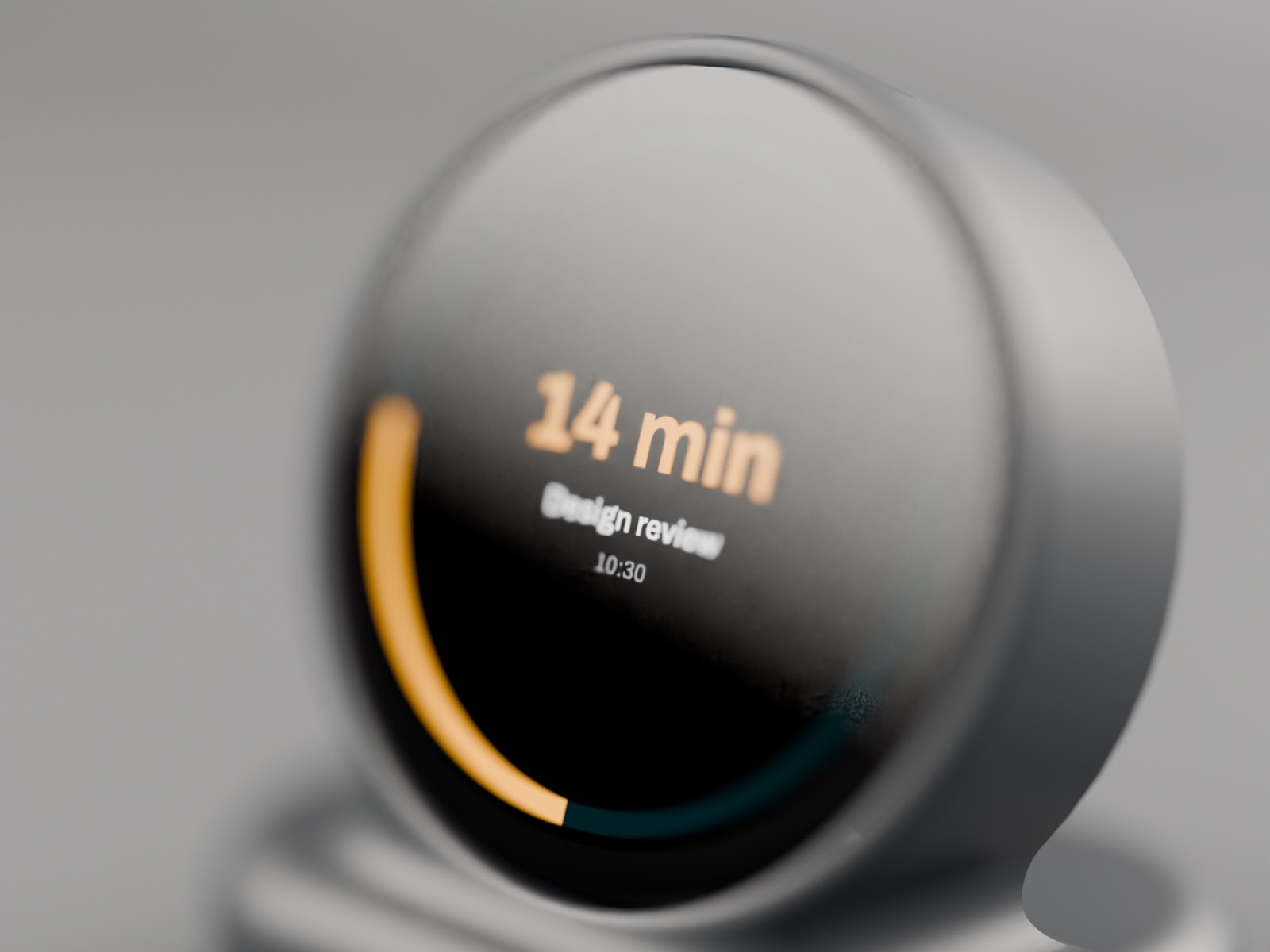
Tap for 25 minutes, hold for 50. The ring drains. It chimes and speaks when the box ends. |
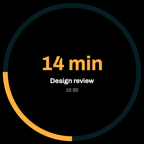 NEXT NEXT |
Your next calendar event and a countdown, amber inside 15 minutes. |
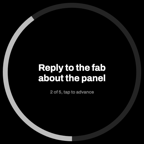 TASKS TASKS |
One open item at a time. Tap to advance. |
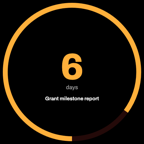 DUE DUE |
The slow heavy deadlines in days. Red inside two, amber inside seven. |
Faces you can add.
The first update after launch adds four faces. Every face runs from the companion on your Mac, so it works with no account and nothing in the cloud; only Weather makes one outbound call, to a keyless forecast API.
Weather
Now and today. The one face every desk display owner installs first.
Clock
Local time, or three world clocks on one ring.
System
CPU, GPU, memory and temperatures of the Mac it’s paired with. The face cloud displays can’t offer.
Now playing
What’s playing on the Mac, with a progress ring.
Later, on request
Stocks and crypto, Home Assistant, a message board, GitHub, network, planes overhead, a pet, 3D-printer progress, air quality.
Faces are chosen, ordered and configured from a small web page the companion serves on your Mac, and by touch on the device. No phone app to install, no account. If you’d want a phone app, say so in the reservation note; that’s how we decide what to build next.
The TIMER face is the point.
Time blindness is a core ADHD trait, and the most effective low-friction fix is externalising time: a visibly shrinking disk beats a number you have to remember to read. A round, always-on ring display is a time timer by nature. This one also happens to know what your agents are doing.
Nothing in the loop but your desk.
THE ORB polls a small companion on your Mac every 30 seconds, over your own Wi-Fi. Nothing of yours leaves your network; the one outbound call is the Weather face fetching a forecast, and you can switch that face off. There is no account and no server of ours to go dark.
The firmware is open. Updates are pulled by the device itself, verified by hash, and if a new build can’t join Wi-Fi and complete a real poll it rolls back on its own.
Every desk display that depended on someone else’s cloud has bricked when that cloud went away. This one can’t.
Specifications.
- Display
- 1.75-inch round AMOLED, 466 × 466, touch
- Processor
- ESP32-S3, Wi-Fi
- Power
- USB-C, 5 V. No battery, nothing to age.
- Data
- Local companion for Claude Code and Codex today; Weather, Clock, System and Now playing in the first update
- Size
- 64 × 46 × 67 mm (housing CAD; weight to be measured)
- Compliance
- Australian RCM radio label; ships from Brisbane
- Firmware
- Open source; self-updating with rollback
Reserve yours.
A reservation holds your place and costs nothing now. When the batch is confirmed we send a payment link; if you’ve changed your mind, ignore it.
Set-up takes five minutes: plug in, join Wi-Fi, run the companion.